
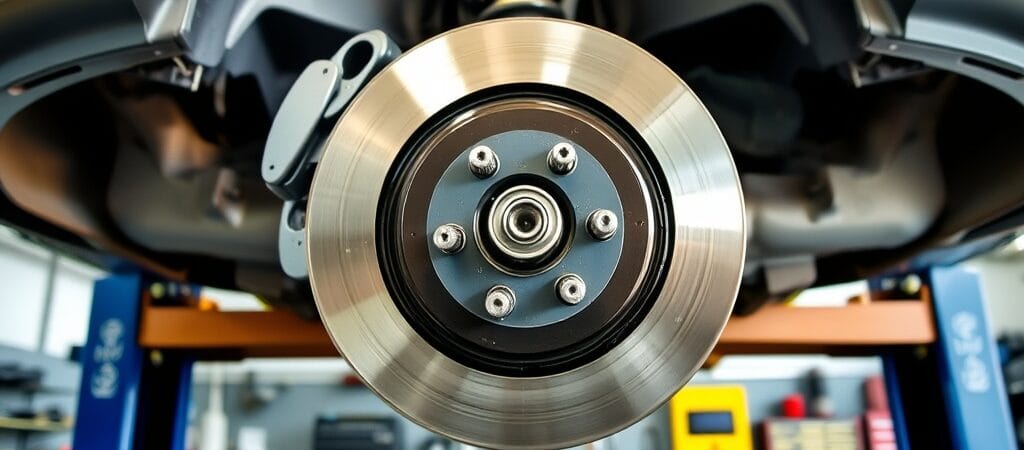
Brake rotor runout refers to side-to-side movement of a brake disc as it rotates. Excessive lateral runout can contribute to uneven brake disc wear and, over time, disc thickness variation that may cause brake pedal pulsation or vibration during braking.
However, brake vibration does not automatically mean the rotor has excessive runout. Wheel hub problems, disc thickness variation, caliper issues, and other faults may produce similar symptoms.
This guide explains how to diagnose brake rotor runout using a dial indicator, interpret measurements, and identify the actual cause before replacing brake components.
What Is Brake Rotor Runout?
Brake rotor runout is the amount of lateral movement measured at the rotor’s braking surface as the disc rotates around the wheel hub.
A small amount of movement may be within the vehicle manufacturer’s tolerance. Excessive runout can cause inconsistent rotor positioning relative to the brake pads and may contribute to uneven disc wear.
Lateral Runout vs. Disc Thickness Variation
Lateral runout and disc thickness variation (DTV) are related but different conditions.
Lateral runout describes side-to-side movement of the rotor as it rotates.
Disc thickness variation describes differences in rotor thickness at different points around the braking surface.
DTV can produce variations in braking torque and is a common contributor to brake pedal pulsation. Excessive lateral runout may contribute to DTV developing over time, but the two conditions must be measured separately.
A rotor can have acceptable lateral runout while still having excessive thickness variation.
Symptoms That May Indicate Brake Rotor Problems
Brake rotor problems can produce several symptoms, but none confirms excessive runout without measurement.
Brake Pedal Pulsation
A pulsating brake pedal may occur when braking torque varies as the wheels rotate.
Disc thickness variation is an important possible cause. Lateral runout may contribute indirectly, but other brake-system problems must also be considered.
Steering Wheel Vibration During Braking
A steering wheel that shakes during braking may indicate a problem involving the front brakes, wheel or hub assemblies, or suspension components.
For a broader explanation of these symptoms, see our Car Shakes When Braking guide.
Uneven Brake Pad or Rotor Wear
Uneven wear patterns may indicate problems with rotor alignment, caliper operation, pad movement, or other brake components.
Visual inspection can help identify areas requiring testing, but wear patterns alone do not confirm rotor runout.
Reduced or Unstable Braking Performance
If braking feels inconsistent, the vehicle pulls to one side, or stopping performance deteriorates, the brake system requires prompt inspection.
These symptoms should not automatically be attributed to rotor runout.
Possible Causes of Excessive Brake Rotor Runout
Several mechanical and installation-related conditions can contribute to excessive lateral movement.
Rust or Debris Between the Rotor and Hub
Corrosion, dirt, or debris trapped between the rotor mounting surface and wheel hub can prevent the rotor from seating evenly.
Even a small amount of contamination may affect measured runout.
Incorrect Rotor Installation
Improper rotor seating, damaged mounting surfaces, or incorrect fastening procedures may contribute to excessive runout.
The rotor must be secured using the manufacturer’s approved procedure when taking measurements.
Wheel Hub or Bearing Problems
Excessive hub runout, bearing play, or damaged mounting surfaces can affect rotor alignment.
A rotor may measure outside specification even when the rotor itself is not defective.
Rotor Distortion or Manufacturing Defects
A damaged or improperly manufactured rotor may have excessive lateral runout.
New rotors should not automatically be assumed to be within specification, particularly when vibration begins immediately after replacement.
Previous Brake Service Problems
Improper cleaning, incorrect component installation, or failure to inspect hub condition during previous brake work may contribute to runout.
Diagnosis should consider the vehicle’s recent service history.
How to Diagnose Brake Rotor Runout Step by Step
A reliable diagnosis requires accurate measurement and comparison with vehicle-specific specifications.
Step 1 — Verify the Complaint
Start by identifying the symptoms reported by the driver.
Determine whether vibration occurs only during braking or is also present while cruising.
Record whether the vibration is felt through the steering wheel, brake pedal, or vehicle body.
If the brakes show signs of severe malfunction, avoid further road testing and arrange a professional inspection.
Step 2 — Inspect the Brake and Wheel Assemblies
Before measuring rotor runout, inspect accessible components for obvious problems.
Check for:
Loose, damaged, or improperly installed components.
Excessive corrosion on mounting surfaces.
Uneven rotor or brake pad wear.
Wheel bearing looseness or abnormal movement.
Evidence of caliper binding or damaged brake hardware.
Correct confirmed safety-related defects before proceeding.
Step 3 — Prepare the Vehicle Safely
Park the vehicle on a stable, level surface and follow the manufacturer’s lifting procedure.
Secure the vehicle with correctly positioned jack stands or an approved lift. Never rely on a hydraulic jack alone.
Remove the wheel as required for access.
Ensure the rotor and hub are clean and that the rotor is correctly seated.
Step 4 — Secure the Rotor to the Hub
Before taking measurements, secure the rotor against the hub using the vehicle manufacturer’s specified procedure.
Depending on the design, this may involve suitable spacers or washers and wheel nuts tightened according to the prescribed measurement procedure.
Do not assume that hand-tightening one wheel nut provides an accurate measurement setup.
Incorrect rotor seating or uneven clamping can produce misleading runout readings.
Step 5 — Position the Dial Indicator
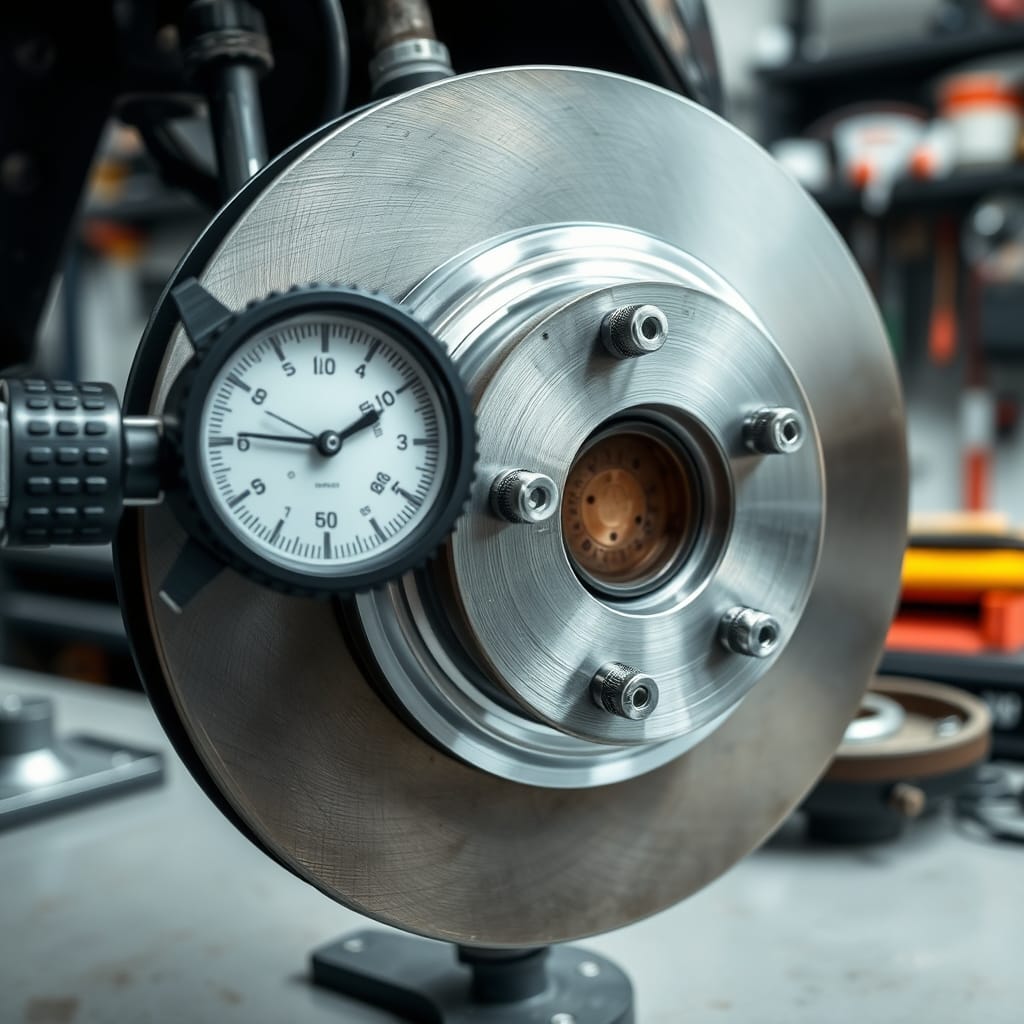
Mount a dial indicator on a stable, rigid support suitable for the measurement.
Position the indicator tip against a clean, smooth portion of the rotor’s braking surface at the location specified by the manufacturer.
The indicator should be oriented correctly for measuring lateral movement.
Avoid grooves, heavy corrosion, or damaged areas that could distort the reading.
Apply the appropriate indicator preload and zero the gauge.
Step 6 — Measure Lateral Rotor Runout
Slowly rotate the rotor through one complete revolution while observing the dial indicator.
Record the highest and lowest readings.
The difference between these readings represents the total indicated lateral runout.
Repeat the measurement when necessary to confirm consistency.
Avoid applying sideways force to the rotor during rotation, as this may influence the result.
Step 7 — Compare the Result with Manufacturer Specifications
Compare the measured runout with the limit specified in the vehicle’s service information.
Do not use a universal runout limit for every vehicle.
Acceptable measurements can vary according to the brake system, rotor design, and manufacturer.
If the measurement is within specification, investigate other possible causes of the reported vibration.
Step 8 — Investigate Excessive Runout
If runout exceeds specification, do not immediately replace the rotor.
First verify that the rotor is correctly seated and that the mounting surfaces are clean.
Where the manufacturer permits, reposition or index the rotor on the hub and repeat the measurement.
If excessive runout remains, inspect the hub mounting surface and measure hub runout using the appropriate procedure.
Check wheel bearing condition where relevant.
These steps help determine whether the problem originates from the rotor, hub, bearing assembly, or installation.
Step 9 — Check Disc Thickness Variation When Indicated
If brake pedal pulsation persists or rotor wear appears uneven, measure disc thickness variation using an appropriate micrometer.
Take measurements at the positions and distance from the rotor edge specified by the manufacturer.
Compare the difference between the maximum and minimum thickness measurements with the vehicle’s specifications.
A dial indicator measures lateral runout; it does not replace a micrometer measurement of disc thickness variation.
Step 10 — Confirm the Diagnosis
Review the measurement results together with the vehicle’s symptoms and component condition.
Identify the actual fault before recommending rotor machining, replacement, or repairs to the hub or bearing assembly.
Repair Options After Diagnosing Brake Rotor Runout
The correct repair depends on the confirmed cause.
Cleaning the Hub and Mounting Surfaces
If corrosion or debris prevents the rotor from seating properly, clean the mounting surfaces using an approved method.
Avoid damaging the hub or rotor mounting face.
Reinstall and secure the rotor correctly, then repeat the runout measurement.
Indexing the Rotor
Some manufacturers permit repositioning the rotor relative to the hub to minimize assembled runout.
Follow the vehicle-specific procedure and verify the result with a dial indicator.
Indexing is not appropriate for every brake design.
Machining the Rotor
Rotor machining may be permitted when the manufacturer allows it and sufficient material remains.
The rotor must remain within all applicable thickness and service limits after machining.
Machining is not a suitable solution for every rotor design or condition.
Replacing a Confirmed Defective Rotor
Replace the rotor when inspection and measurement confirm that replacement is necessary.
Use a compatible replacement component and follow the manufacturer’s installation instructions.
Measure the installed rotor afterward when required to verify that the original problem has been corrected.
Repairing Hub or Bearing Problems
If hub runout, bearing play, or mounting-surface damage is confirmed, repair the affected assembly according to the manufacturer’s instructions.
Replacing the brake rotor alone will not necessarily correct a hub-related problem.
How to Verify the Brake Repair
After completing the repair, repeat the relevant runout or thickness measurements.
Confirm that all brake components are correctly installed and that wheel fasteners are tightened to the manufacturer’s specified torque.
Where appropriate, perform the manufacturer’s brake service or bedding procedure.
A controlled road test may then be used to confirm that the original braking symptoms have been resolved, provided the vehicle is safe to operate.
Do not consider the repair complete solely because new components have been installed.
Safety Considerations When Measuring Brake Rotor Runout
Brake-system inspection requires appropriate equipment and careful working practices.
Never work beneath a vehicle supported only by a jack.
Use the manufacturer’s approved lifting and support points.
Allow hot brake components to cool before handling them.
Avoid inhaling brake dust. Use approved brake-cleaning methods rather than compressed air.
Keep oil, grease, and other contaminants away from friction surfaces.
Follow the specified procedures for electronic parking brakes and brake-service modes where applicable.
Never drive a vehicle with known serious brake defects until it has been repaired and verified.
If the necessary measuring equipment or service information is unavailable, have the inspection performed by a qualified technician.
Vehicle-Specific Considerations
Brake rotor designs, hub assemblies, fastening arrangements, and acceptable runout limits differ between vehicles.
Some manufacturers specify special rotor-securing methods, measurement locations, or procedures for checking hub runout.
Always consult vehicle-specific service information before measuring, machining, or replacing brake components.
Do not apply generic runout or minimum-thickness specifications to an unfamiliar vehicle.
Frequently Asked Questions
What is brake rotor runout?
Brake rotor runout is the side-to-side movement of a brake disc as it rotates. Excessive lateral runout may contribute to uneven wear and braking problems.
Can brake rotor runout cause pedal pulsation?
Excessive lateral runout may contribute to disc thickness variation developing over time. Disc thickness variation is a common cause of brake pedal pulsation, so both conditions may need to be checked.
How do you measure brake rotor runout?
Secure the rotor correctly to the hub, position a dial indicator against the specified braking surface, and rotate the rotor through a complete revolution. Compare the total indicated movement with the manufacturer’s limit.
Does excessive runout mean the rotor is warped?
No. Rust or debris between the rotor and hub, incorrect installation, hub runout, or wheel bearing problems can also produce excessive measured runout.
Can a new brake rotor have excessive runout?
Yes. A new rotor may have a manufacturing defect, but improper seating or an underlying hub problem can also cause excessive installed runout.
Should I replace the rotor if runout is excessive?
Not automatically. First confirm the measurement, inspect the mounting surfaces, and check the hub and related components. Repair or replace only the confirmed cause.
Is it safe to drive with brake vibration?
The risk depends on the severity and cause. If braking performance is reduced, the vehicle becomes unstable, or serious brake defects are suspected, stop driving when safe and arrange professional inspection.
Final Checks
Diagnosing brake rotor runout requires more than observing vibration or inspecting the rotor visually.
A systematic approach involves confirming the symptoms, inspecting the mounting surfaces, correctly securing the rotor, measuring lateral movement with a dial indicator, and comparing the result with vehicle-specific specifications.
When necessary, hub runout and disc thickness variation should also be evaluated.
Repair only the confirmed fault, then verify the measurements and braking performance before returning the vehicle to normal service.